
Current scene
Begin with the active objective and established details.
A surprising soft spot. An invitation only.
Offer one surprising fondness, weakness or protective instinct grounded in the current scene, with room for the player to accept, reshape, keep private or reject it.
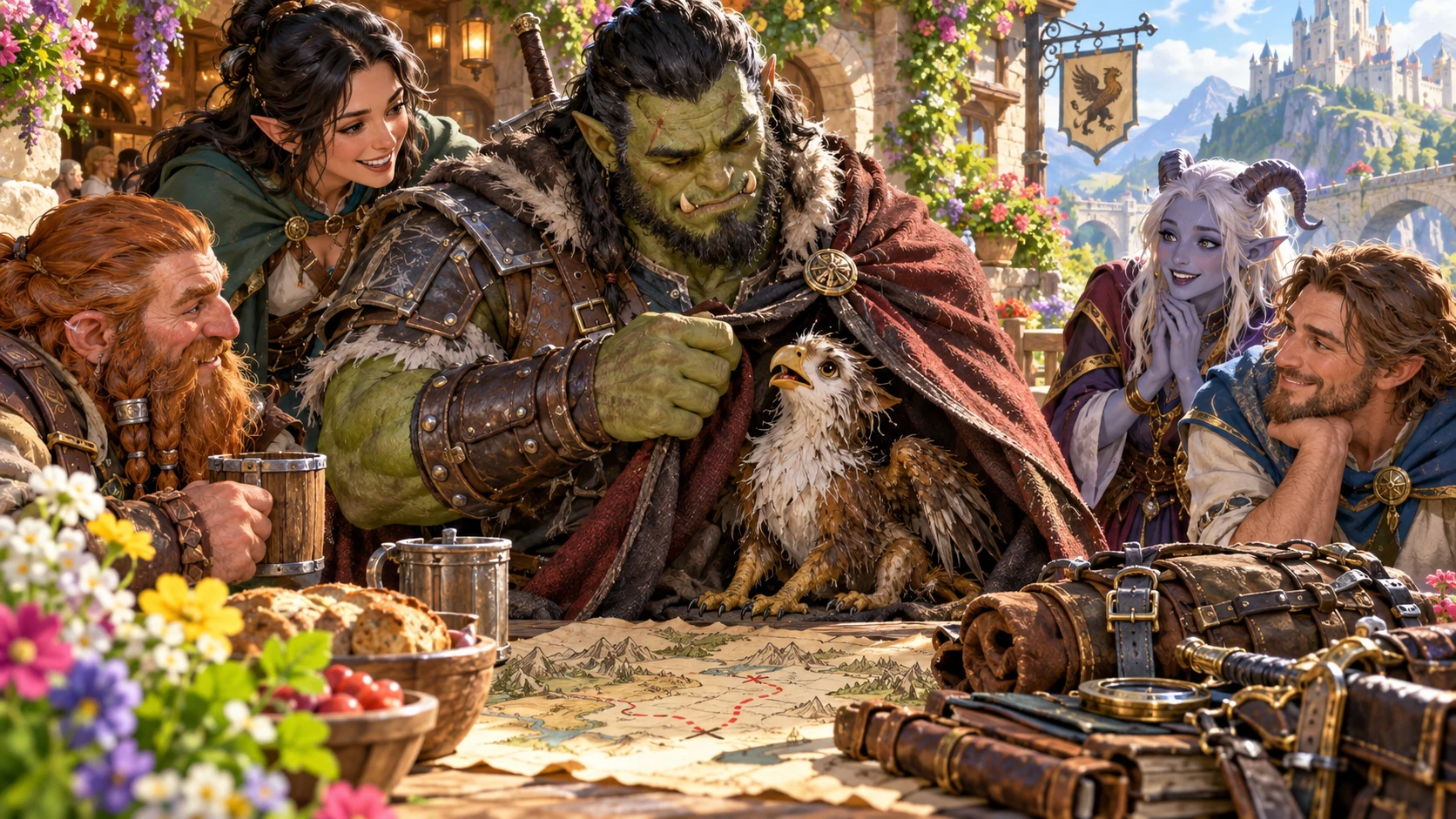
One gentle possibility
Offer a surprising character beat without deciding how it feels.
Begin with the active objective and established details.
Explain why the idea might fit this moment.
Keep supplied character details intact.
Accept, reshape, keep private or reject it.
Begin with the character and current scene
Choose the character and current scene, adding established demeanour and an active objective.
Set the trigger, kind, tone and intensity, then protect facts that must not change.
Add people present, visibility, pressure, topics to avoid and private context while leaving continuity with the player.
Four steps to an optional character beat
Keep one soft spot open to player interpretation.
Choose character, scene and active objective.
Set trigger, kind, tone and intensity.
Add facts that must not change and topics to avoid.
Choose the player-facing prompt and optional continuity.
Your optional-soft-spot workspace
Develop one plausible character moment while preserving established facts and player choice.
Offer a fondness, weakness or protective instinct.
Connect the idea to the current scene and objective.
Keep established details intact.
Shape how the optional moment is presented.
Suggest an opening without declaring feelings.
Accept, reshape, keep private or reject the idea.
Reopen, organise and annotate optional moments.
Share the opening while keeping DM context private.
Fondness, weakness or protective instinct
Shape the trigger without forcing a feeling.
Underdogs, elders, outsiders or newcomers.
Animals, comfort food or growing things.
Old craft or music in the current scene.
Choose tone, intensity and visibility.
Keep the moments you choose
Retain optional moments and their protected facts.
Refine the trigger or open directions.
Preserve useful details while exploring another option.
Reopen, rename, duplicate or delete moments.
Search, tag and add notes for later play.
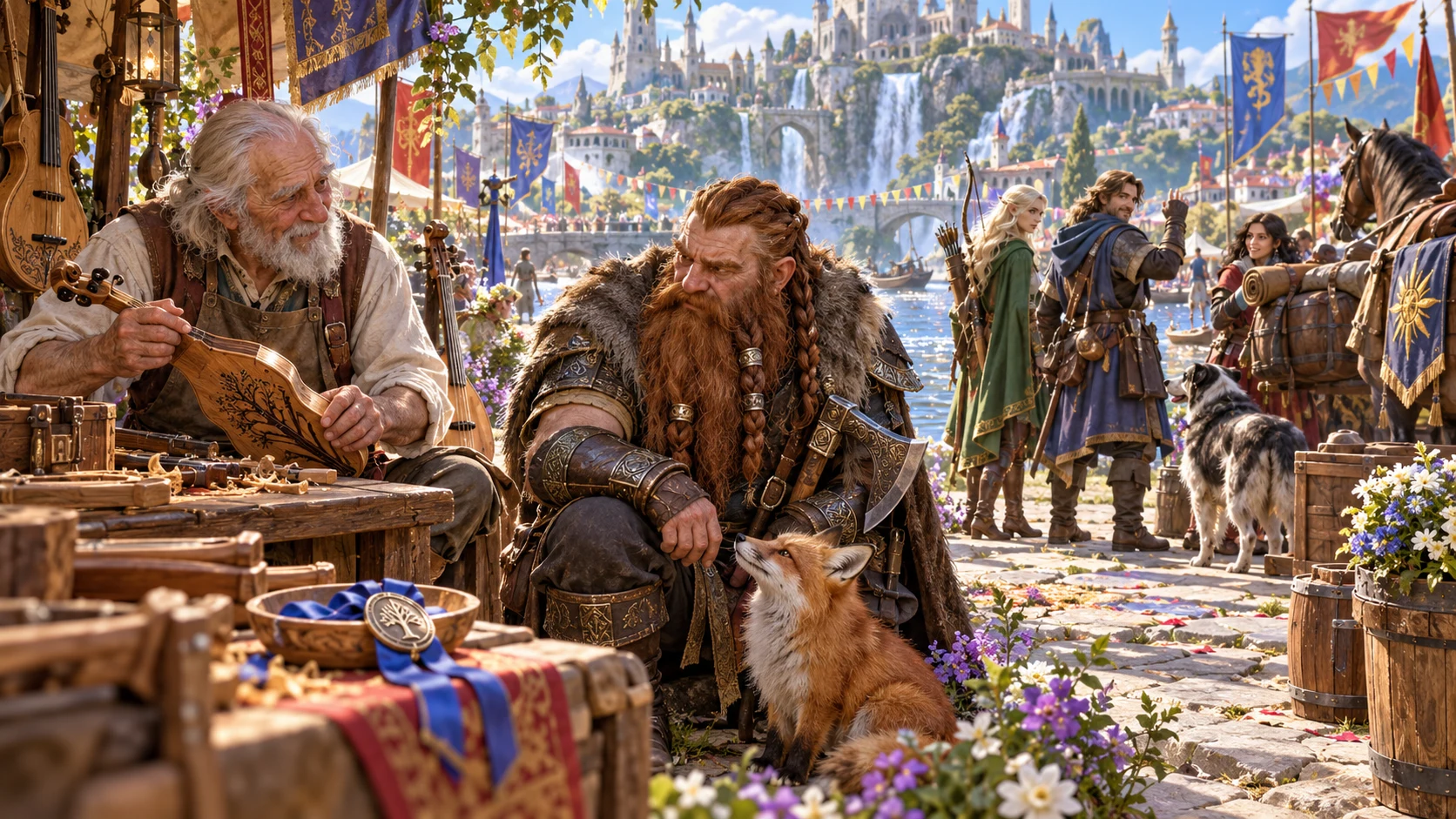
One gentle possibility for the scene
Review what the soft spot could reveal and why it might fit this scene without declaring a feeling.
Offer an optional visible tell, a roleplaying opening and an easy way to step back.
Save a version. Copy the DM version or player prompt, download the structured record or print the result.
Every response remains with the player
Offer character depth without declaring new history or canon.
No invented history or trauma.
No forced feeling, dialogue or action.
Retain a lasting detail only with player approval.
No rewards, penalties, roll resolution or combat.
Generator access and pricing
Choose access for this selected generator or an eligible pack.
Review current standalone access and pricing.
Check whether a current pack includes this generator.
Use your account to review premium product access.
Create a free VISINVOKE account; premium access remains separate.
VISINVOKE means value
Bring a plausible trigger, protected facts and open choices together.

Connect it to the current scene and objective.
Keep established details intact.
Accept, reshape, keep private or reject.
Save optional moments for later play.
Explore your VISINVOKE workspace
Each card opens its own product website. Review purpose and access separately; related products do not promise included access or automatic synchronisation.

Open your VISINVOKE desktop products.
Prepare a live exchange after an established social mistake.

Build the wider setting around your campaign.

Develop the places your party travels through.

Explore separate adventure environments.
Explore separate fantasy image creation.
Product artwork is illustrative, not application screens or actual generated image output.
Quick answers
Understand optional triggers, protected facts, saved moments and player choice.
Propose one surprising fondness, emotional weakness or protective instinct that could fit the current scene. It is an invitation, not character canon: the player may accept, reshape, keep private or reject it. Every feeling, response and lasting detail remains with the player.
Explore animals, underdogs, old craft, music, comfort food, elders, outsiders, growing things or newcomers. Choose a fondness, weakness or protective instinct and shape its tone, intensity and visibility around the scene.
Choose the character, describe the current scene and optionally add established demeanour. Pick the trigger, kind, tone and intensity. Deep preparation adds facts that must not change, a specific trigger, active objective, people present, visibility, scene pressure, topics to avoid and whether the player may keep the idea as continuity.
Review, edit, lock and reroll the moment, then save versions to your signed-in VISINVOKE account. Reopen, rename, duplicate, search, tag, annotate or delete saved moments. Version history keeps the character, scene and protected facts together.
Copy the complete Dungeon Master version or player-facing prompt, download the structured record or print the result. Private DM context stays separate. The player decides every response and whether to retain a continuity note. The generator does not invent history or trauma, force feelings, dialogue or action, create a relationship or companion, apply rewards or penalties, resolve a roll, begin combat or send anything to Combat Pro.
Create a free VISINVOKE account, review current account plans for the selected generator or an eligible pack, then use your account installer page for Desktop Command Centre. Open the generator in your desktop workspace. Free account creation is separate from premium generator access.
Continue in VISINVOKE
Create a free VISINVOKE account and review current generator access.
Use your account installer page for Desktop Command Centre.
Open Unexpected Soft Spot Generator from the Generators collection.